Zoho OnePay Extension — Installation & Configuration Guide
Zoho OnePay Extension — Installation & Configuration Guide
This guide walks you through installing and configuring the OnePay payment gateway extension for Zoho Books or Zoho Inventory, so your customers can make secure card payments directly through your invoices.
Prerequisites
Before you begin, make sure you have:
- Admin access to your Zoho Books / Zoho Inventory account
- Access to the Zoho Marketplace
- An active OnePay Merchant Admin Console account with IPG Apps configured
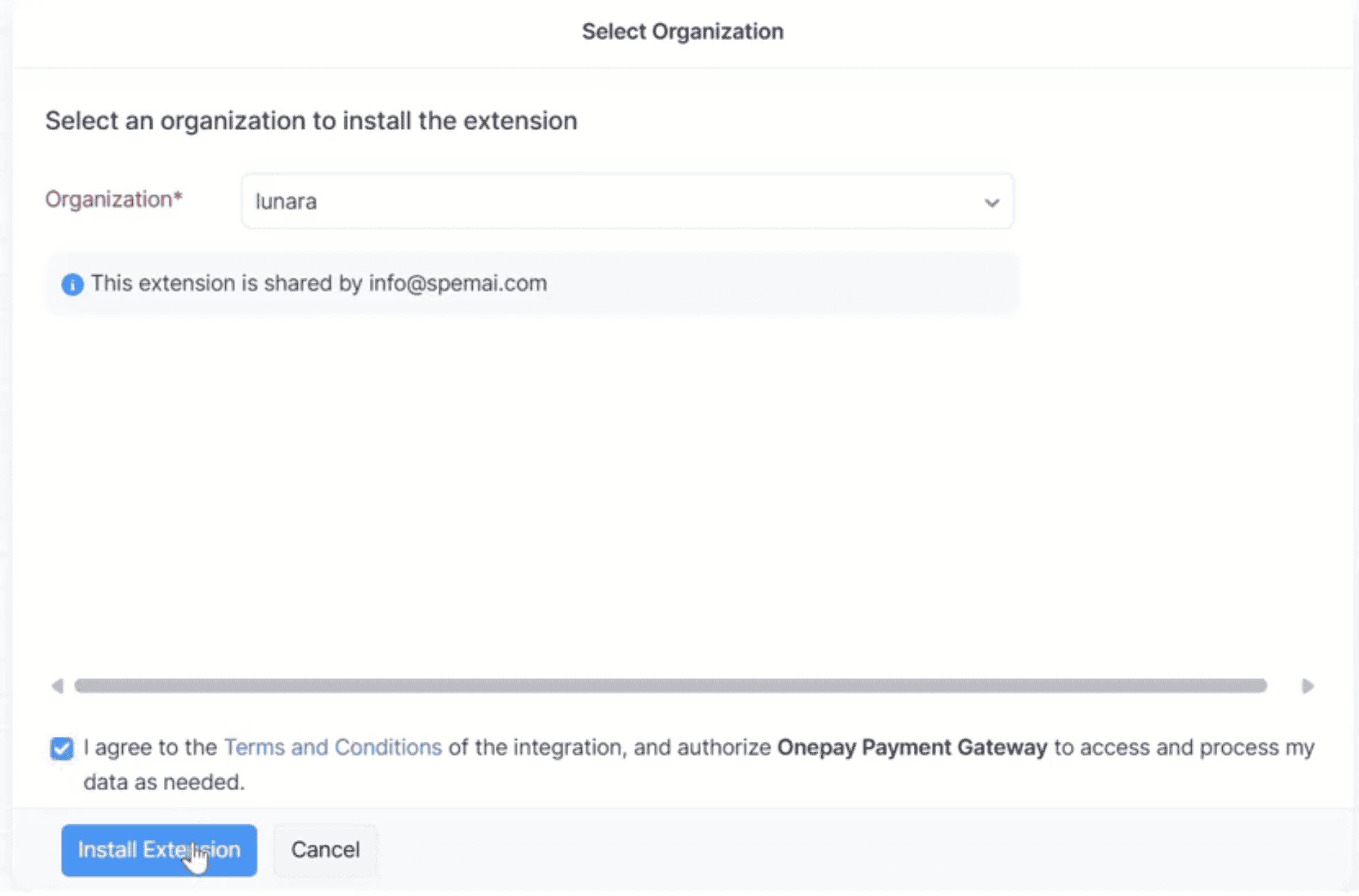
Install the Extension from Zoho Marketplace
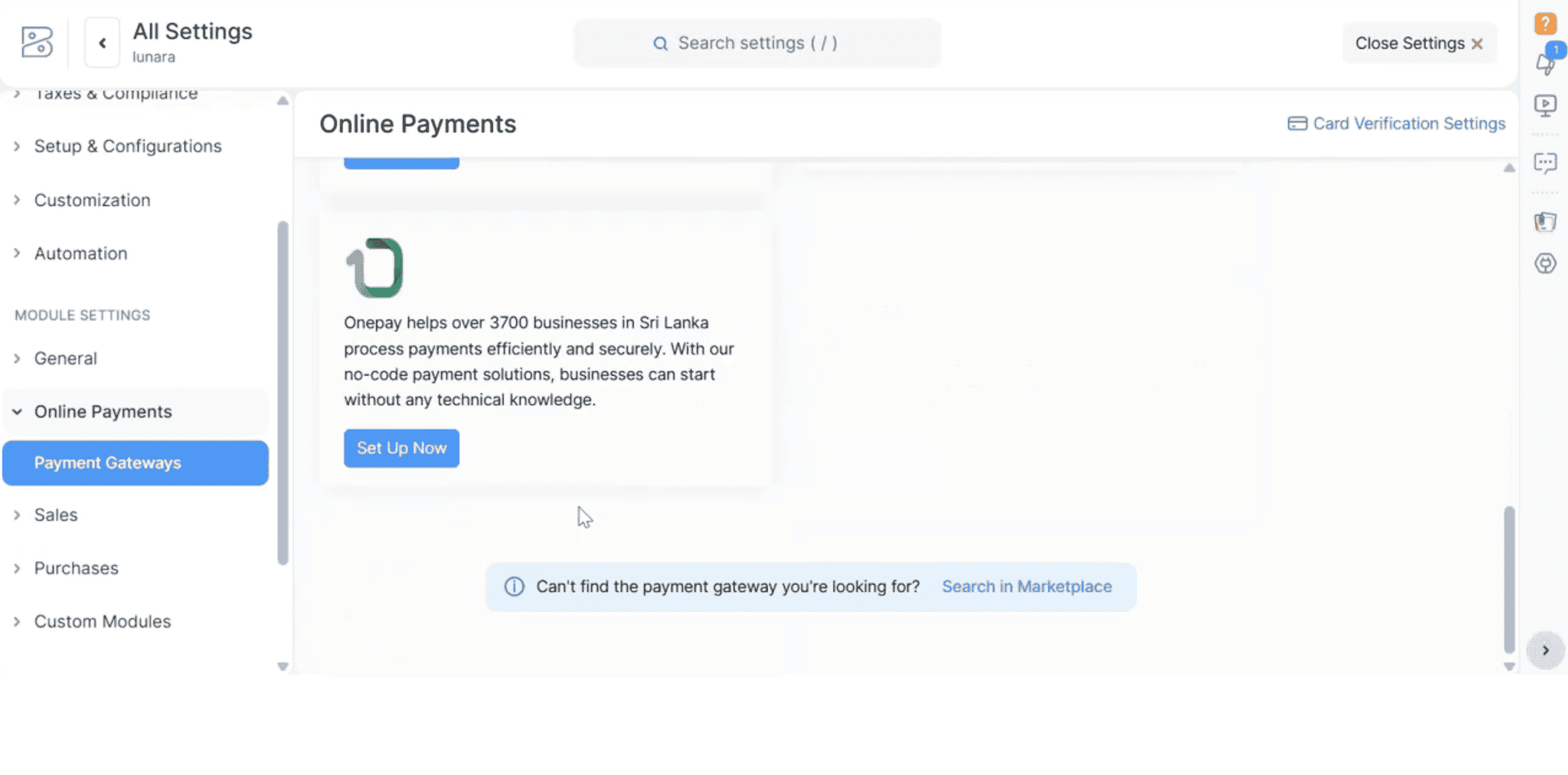
Access Payment Gateway Settings in Zoho
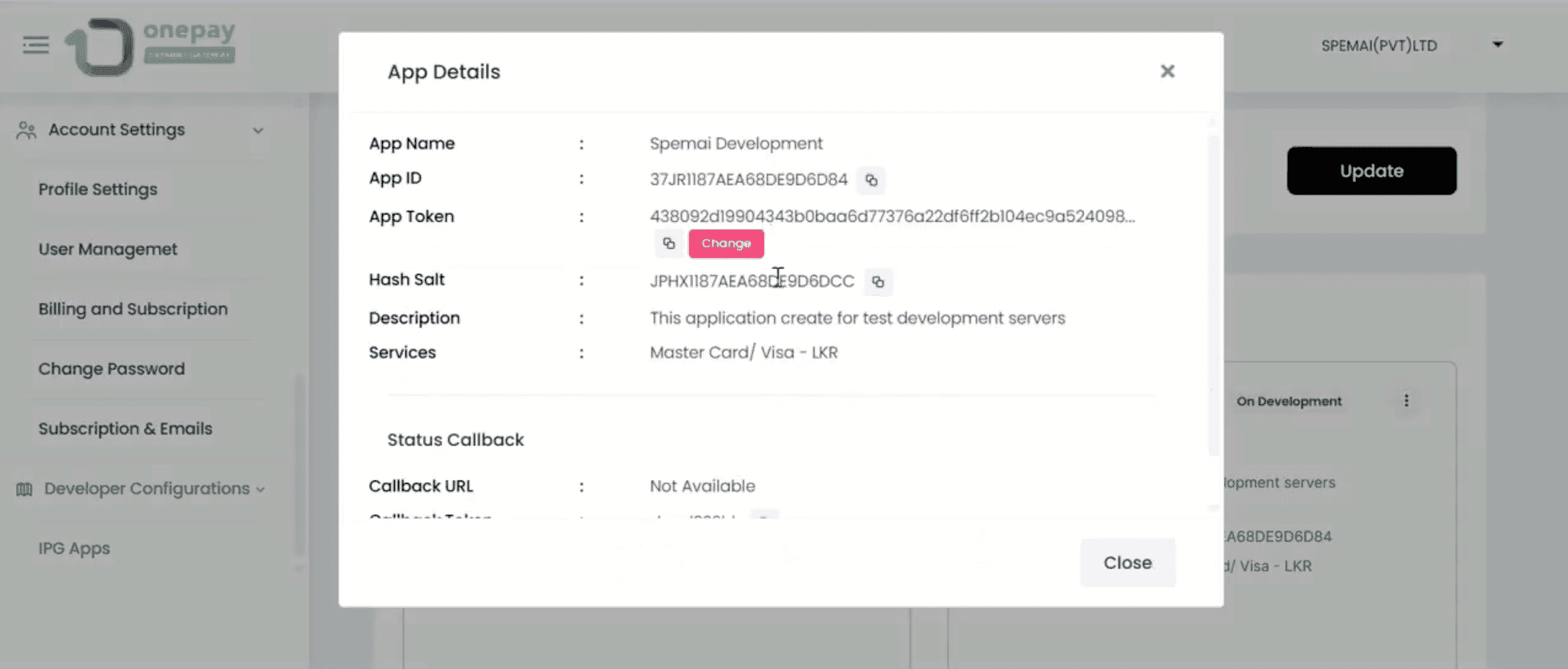
Retrieve Your API Keys from OnePay
Configure OnePay in Zoho
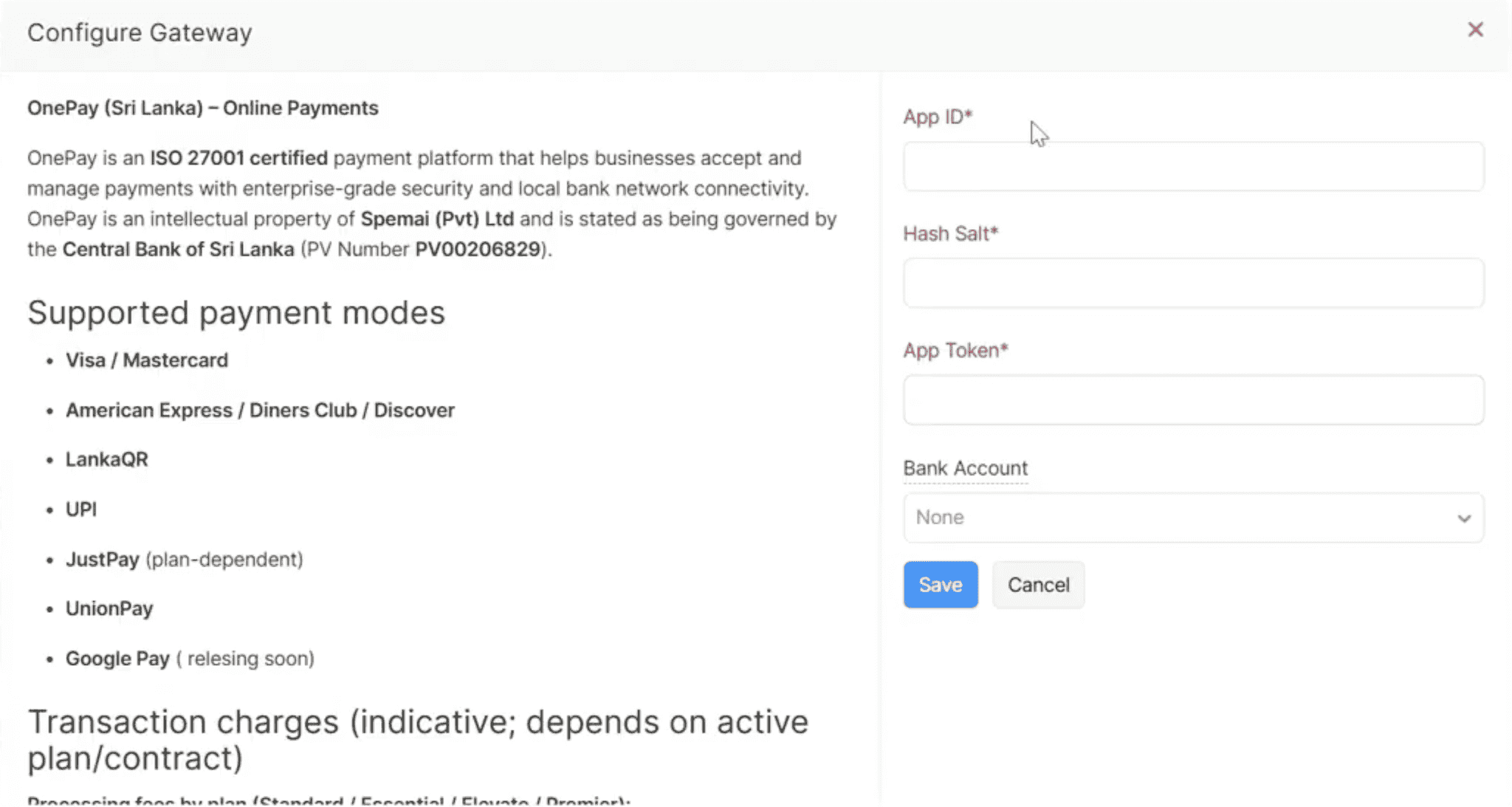
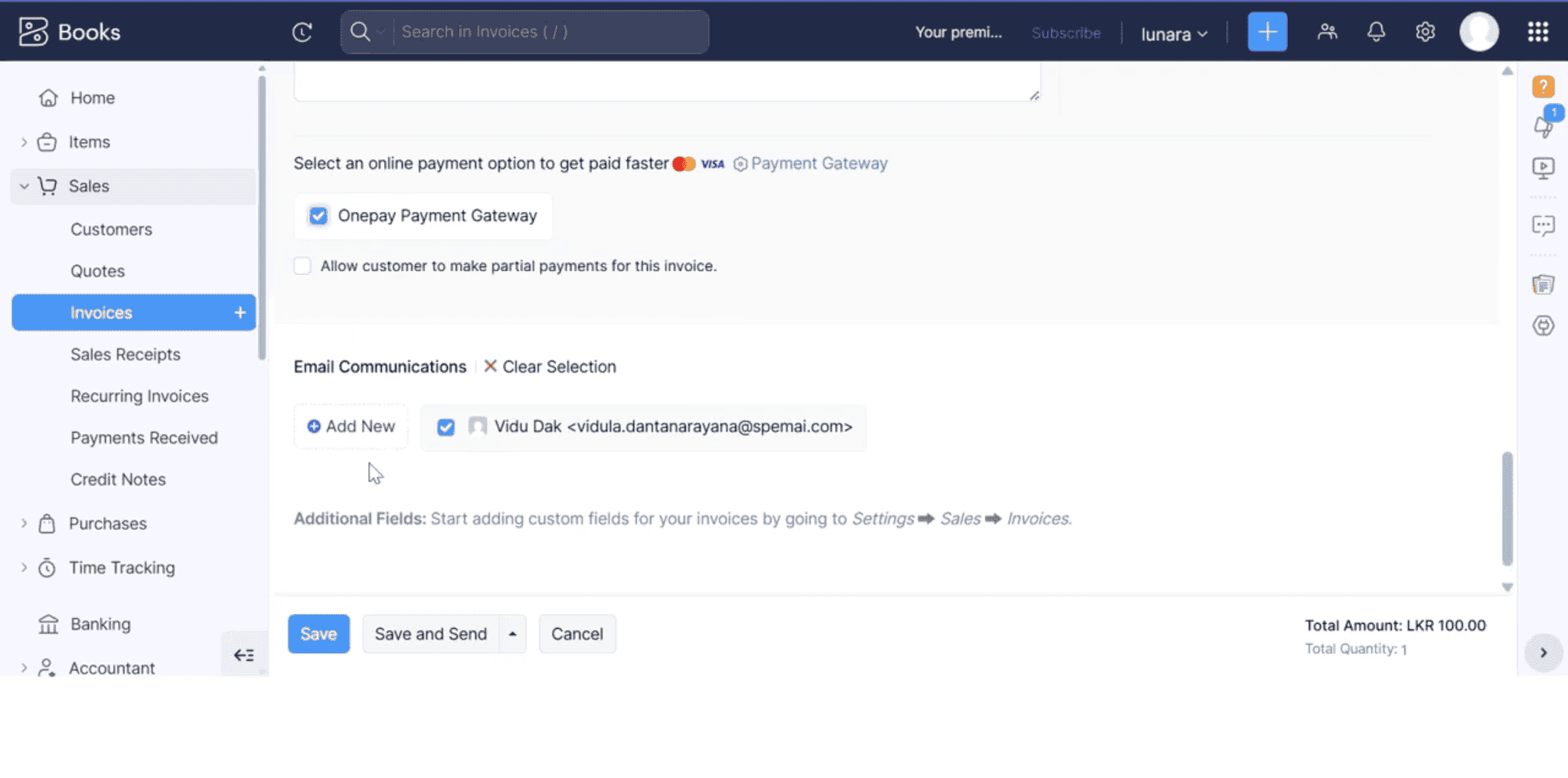
Enable OnePay on Your Invoices
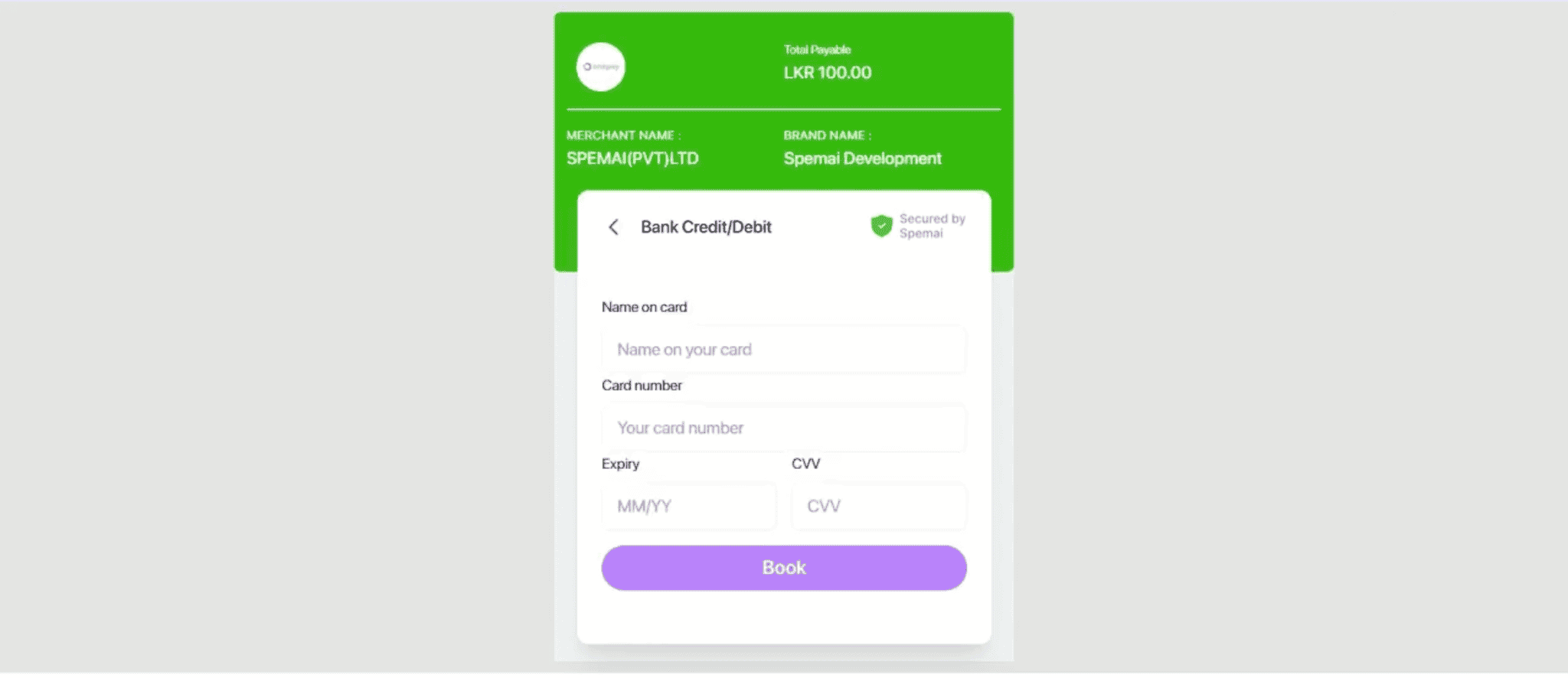
Customer Checkout Experience
Once the invoice is sent, your customer will see the following on their end:
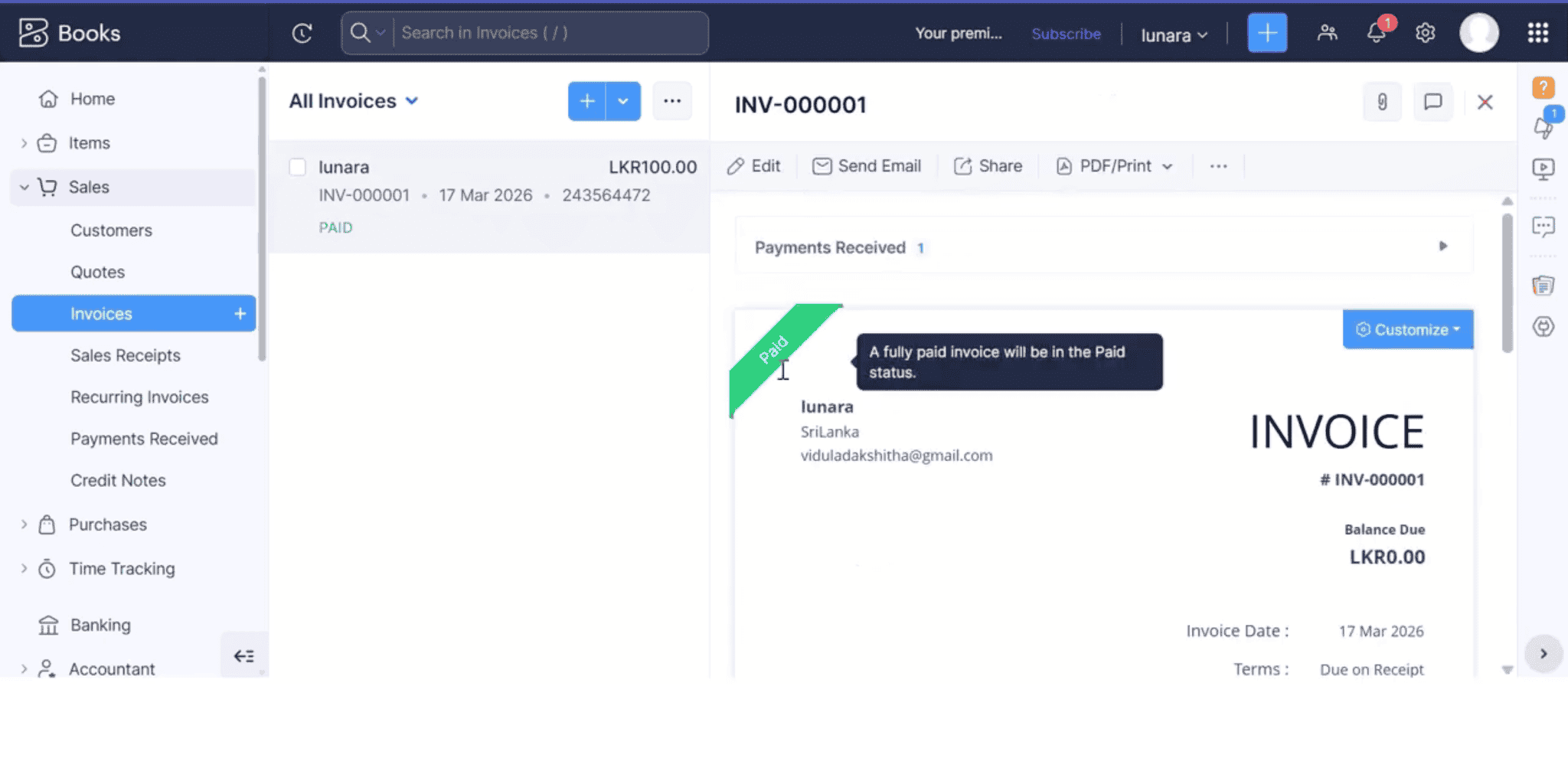
Payment Confirmation in Zoho
Once your customer successfully completes the payment through OnePay, Zoho automatically updates the following: